 Nonogram Picture Cross
Nonogram Picture Cross is a browser-based puzzle game that challenges players to solve grid-based logic puzzles by filling in cells to reveal hidden pixel art images. As an educational and casual experience, Nonogram Picture Cross blends number-based deduction with the satisfaction of uncovering pictures, similar to Sudoku or Picross. It runs smoothly on HTML5 browsers, making it accessible on computers and mobile devices without downloads.
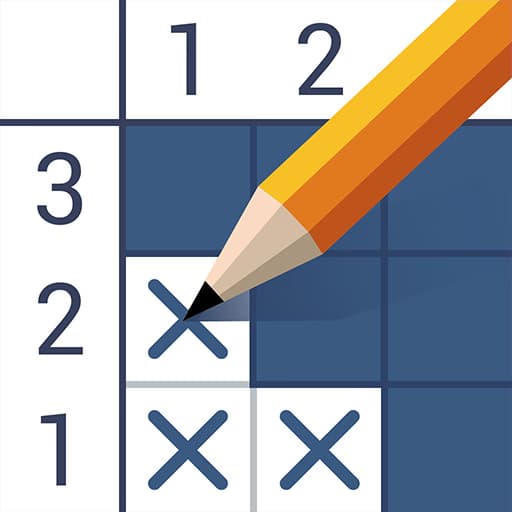
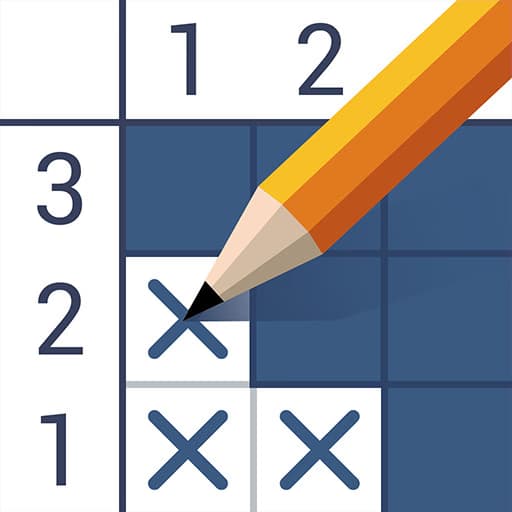
In Nonogram Picture Cross, players are given a blank grid accompanied by numeric clues for each row and column. The numbers indicate how many consecutive cells in that row or column must be filled in. Your task is to use logical reasoning to mark which cells should be colored and which should remain empty, gradually revealing a pixel image as you progress.
The game rewards careful thinking and attention to detail. Mistakes are tracked, so accuracy is important. Each puzzle varies in size and complexity, ranging from simple 5x5 grids to challenging 15x15 logic boards, providing hours of brain-teasing fun for puzzle enthusiasts and beginners alike.
Unlike traditional crossword or Sudoku puzzles, Nonogram Picture Cross incorporates art creation into the logic-solving process. As you solve each puzzle, a hidden image emerges, offering visual feedback and a sense of accomplishment. The game's clean interface, intuitive controls, and progressive difficulty make it approachable for players of all skill levels.
If you enjoy games like Picross, Paint by Numbers, or other Japanese picture logic games, you'll find Nonogram Picture Cross a rewarding and relaxing way to sharpen your mind and enjoy creative puzzles.
Play Nonogram Picture Cross for free on any device, directly in your web browser. No downloads or installations are required, so you can enjoy logic puzzles at school, work, or anywhere with internet access. The game is fully unblocked and easy to access on Sonsaur.com.
The goal in Nonogram Picture Cross is to fill in the correct squares on the grid using the numbers as clues to reveal the hidden pixel picture. Each puzzle starts as an empty grid with numbers along the top and left sides indicating how many blocks must be filled in that row or column. Use your mouse to left click on a cell to fill it, or right click to mark it as empty. On touch devices, tap to fill or tap again to toggle marks. You can also use the spacebar to quickly toggle between fill and mark modes when playing on a keyboard. To start, select a puzzle and read the clues provided. Begin by filling in the most obvious rows or columns, then use logic to complete the rest. The game tracks mistakes, so plan your moves carefully. As you progress, puzzles increase in size and difficulty, introducing larger grids and more challenging patterns to solve.
Start with obvious lines - Fill rows or columns where the clues match the grid's length for an easy start. Mark empty cells - Use right click or tap again to mark cells that can’t be filled, reducing mistakes. Cross-reference clues - Check both row and column clues to confirm your choices before filling squares. Avoid random guessing - Plan each move using logic to prevent errors and improve your score. Zoom in on big puzzles - If available, use zoom controls for better accuracy on larger grids.