 Over the Bridge
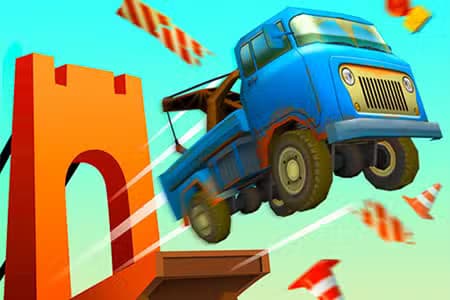
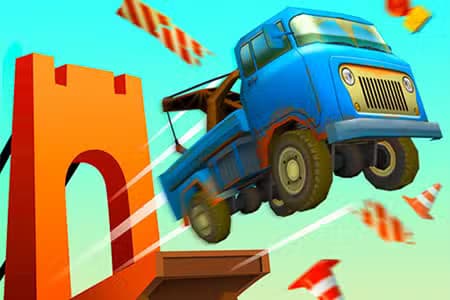
Over the Bridge is a browser-based arcade puzzle game that challenges you to build stable bridges for vehicles using limited resources. Combining elements of physics simulation, strategy, and creativity, Over the Bridge tests your engineering skills as you connect gaps in various terrains. It's playable on any device supporting HTML5, including browsers on desktop and mobile.
Players are tasked with constructing bridges by placing beams, supports, and connectors to span chasms or rivers. Each level introduces different obstacles, such as longer gaps or heavier vehicles, pushing you to experiment with structure design. The game uses a realistic physics engine, so poorly designed bridges will collapse under stress. Success is measured by getting vehicles safely across without exceeding your resource limit.
If you like games that blend logic puzzles with real-world problem-solving, Over the Bridge is for you. Fans of Poly Bridge and Bridge Constructor will appreciate its intuitive controls and escalating difficulty. Whether you're a casual player or a puzzle enthusiast, each stage offers increasing complexity to keep things fresh and rewarding.
Unlike many puzzle or simulation titles, Over the Bridge emphasizes both creativity and efficiency. You're not just building to survive - you're optimizing for material usage and stability. Replaying levels to improve your designs, beat your best scores, or discover clever solutions is a key part of the fun. The instant visual feedback as vehicles cross your creations adds excitement and suspense.
Enjoy Over the Bridge online for free without downloads or registration. The game runs smoothly in any browser, making it ideal for quick play sessions at school, work, or home on both PC and mobile devices.
Your goal in Over the Bridge is to construct bridges that can support vehicles as they cross from one side to the other. Each level presents a unique gap and limited building materials, challenging your problem-solving skills. Use the mouse to select and place beams, joints, and supports on the screen. Drag and click to connect structural elements. On touchscreen devices, tap and drag to build. Once you're satisfied with your bridge design, click the "play" or "start" button to send vehicles across. If your bridge holds, you clear the level and move on. If it collapses, tweak your design and try again. Watch out for material limits and budget constraints. Some levels introduce heavier vehicles or unstable terrain, so experiment with different structures for the best results.
Anchor wisely - Attach beams to solid points at both ends for stronger bridges. Use triangles - Triangular patterns add stability and distribute weight better. Watch your budget - Don't overbuild; use just enough materials to support the load. Test before finalizing - Run vehicles in test mode to check for weak spots before finishing. Adapt to vehicle weight - Heavier vehicles need sturdier designs; adjust accordingly.