 Building Mods For Minecraft
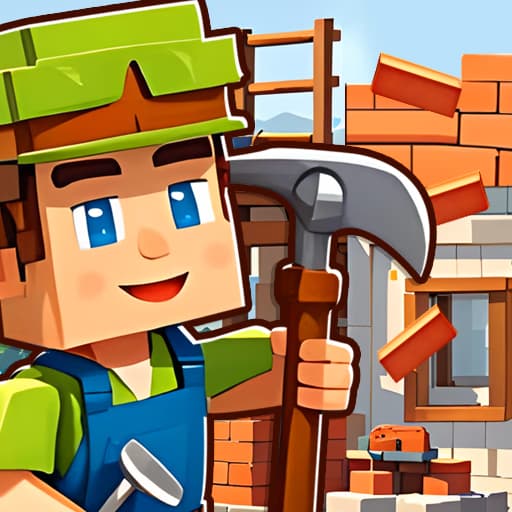
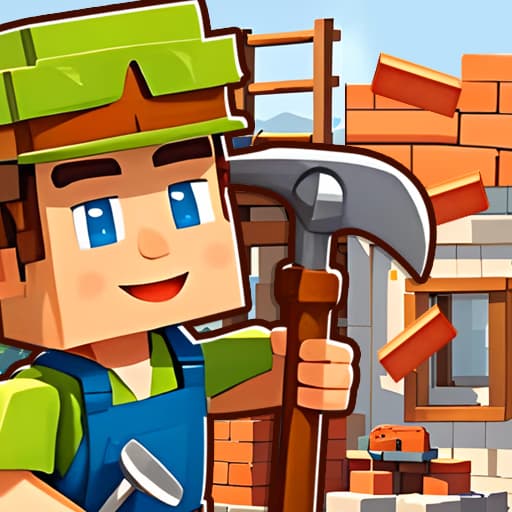
Building Mods For Minecraft is a free browser game that merges creative construction with first-person shooting action. In this HTML5 title, you'll use a variety of blocks to build strategic structures before defending them against waves of enemies. It's an adventure that combines the sandbox freedom of games like Minecraft with the tactical challenge of a fighting game, all playable online.
Your main task in Building Mods For Minecraft is to balance building and battling. You start by exploring the blocky environment to gather resources and plan your defensive strategy. Using an intuitive interface, you can place blocks to construct anything from a simple wall for cover to a multi-level fortress complete with sniper towers.
Once you've built your base, you'll need to defend it. Enemies will approach, and you must use your weapons to eliminate them. The structures you build are not just for looks-they are critical tools for survival. A well-placed wall can create a choke point, and a tall tower provides an excellent vantage point for shooting.
This game isn't just about placing blocks; it's about tactical construction. Every piece you place can influence the outcome of a fight. You might build a maze to confuse your opponents or a simple bunker to shield yourself from incoming fire. The creative possibilities directly feed into your combat effectiveness, making it a unique blend of genres.
The fighting mechanics require quick reflexes and good aim. You'll switch between your building tools and weapons as the situation demands. This constant cycle of creating a defensive position and then using it to overcome a challenge makes every session feel dynamic and engaging. You must think like both an architect and a soldier to succeed.
You can play Building Mods For Minecraft directly in your web browser without any downloads or installations. Since it's a free HTML5 game, it's easily accessible and runs smoothly on most computers. Enjoy this mix of building and shooting action from anywhere, even on school or work networks that might block other gaming sites.
The goal in Building Mods For Minecraft is to survive by building defensive structures and fighting off enemies. You must use your creativity to construct shelters and tactical advantages in a block-based world. Use WASD or the arrow keys to move around the map. Use the mouse to look, aim, and interact with the world. Left click is used to place blocks when you're in building mode or to shoot when your weapon is equipped. You can typically switch between items or blocks using the number keys or the mouse wheel. Your first step should be to gather resources and build a basic defense. As enemies begin to appear, switch to your weapon to fight them off. The core gameplay involves a cycle of improving your structures and preparing for the next wave of adversaries.
Build High - Gaining a height advantage makes it much easier to spot and shoot enemies before they get close. Defenses First - Don't wander too far without building a basic wall or shelter you can retreat to when you're under pressure. Create Choke Points - Funnel enemies into narrow corridors or single entry points you've built. This makes them much easier to manage and defeat. Master the Hot-Swap - Practice quickly switching between your building tool and your primary weapon. This skill is crucial when you need to make emergency repairs during a fight. Mind Your Materials - Not all blocks are equal. If you have access to stronger materials, use them for the foundations and key defensive walls of your base. Always Be Building - Even during lulls in combat, you should be improving your defenses, adding another layer to a wall, or building a new tower.