
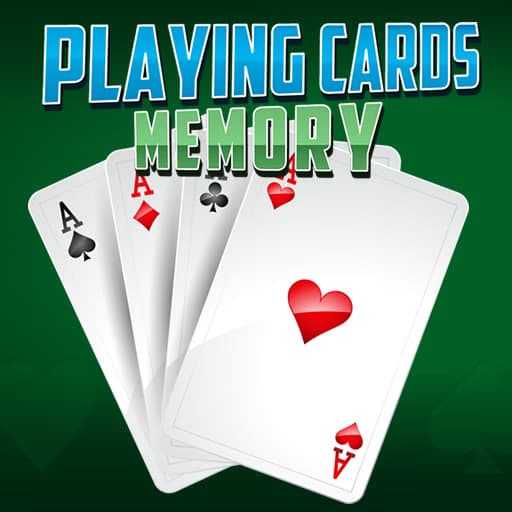
 Playing Cards Memory
This game tests your visual memory and concentration as you search for pairs among shuffled cards. Each round increases in complexity, requiring you to remember more card locations as you progress. Unlike some matching games, Playing Cards Memory uses a standard deck, adding an extra layer of challenge for fans of classic card games.
Instead of themed images or icons, this title uses real playing cards, enhancing recognition skills and adding a familiar twist. The straightforward interface and clear graphics make it easy to focus on the core gameplay. It’s ideal for quick sessions, whether you want to train your brain or just unwind.
Success depends on recalling the position of each card and making efficient matches. The fewer moves you use, the better your score. Practice helps you spot patterns and memorize card placements faster. Each session offers a new shuffle, so replay value stays high.
You can play Playing Cards Memory for free in your browser—no download needed. It works on school and work networks, letting you enjoy quick memory challenges anytime.
The goal in Playing Cards Memory is to match all pairs of playing cards by recalling their positions after flipping them over. Use your mouse or tap on mobile to flip cards. Select two cards at a time to reveal their faces and check for matches. If the cards match, they stay revealed; if not, they flip back over. Continue until you clear the entire board. Each new round shuffles the cards, increasing the challenge and helping you improve your memory with practice.
Focus on pairs - Try to remember the position of recently flipped cards and their values. Work in sections - Tackle one part of the board at a time to avoid confusion. Use mismatches - Even failed matches offer clues for future turns, so pay attention. Stay calm - Rushing leads to mistakes and missed memory cues. Minimize moves - Fewer attempts mean a higher score, so plan each selection.